Journalism has always been a race against time, and the recorder in a reporter’s pocket is often the one tool that either saves the story or sinks it. Missed audio, muffled voices, and hours lost to manual transcription can turn a strong lead into a scoop that never runs. That is why so many working reporters have moved on from the plastic dictaphones and phone memo apps that used to define the trade. Today the newsroom favorite is a purpose-built AI recorder that captures, cleans, and transcribes audio in one continuous workflow.
This guide is written for field reporters, investigative journalists, and beat writers who need a dependable capture device without wading through spec sheets. It explains what to look for, how to test a recorder before an important interview, and how to build a filing routine around the audio you collect. The goal is simple: fewer missed quotes, faster turnaround, and cleaner copy on deadline.
The Journalism Beat Has Outgrown the Old Recorder
Ten years ago, a reporter’s recorder had a single job: press the red button and hope the mic caught something usable. Now editors expect ready-to-quote transcripts within an hour of the interview, sometimes minutes. Cable news producers, longform podcast teams, and digital publications all share the same pressure — audio needs to arrive not just recorded, but processed, searchable, and speaker-labeled. Meeting that standard with a dumb recorder means adding two or three extra steps, and every step is a place where a reporter can lose a name, a number, or the exact phrasing that makes a quote powerful.
Most journalists working today spend more time transcribing than reporting. Choosing the best ai voice recorder is really about choosing where that hidden time goes — into the story, into the archive, or into a queue that clogs the whole newsroom. The right device shrinks post-production so writers can chase the next lead instead of typing out yesterday’s tape.
Feature Priorities for Reliable Interview Capture
Reporters evaluating a recorder should start with capture quality and work outward from there. Directional microphones matter far more than raw megabyte counts, because a clean signal from across the table is what makes downstream transcription accurate. Noise suppression that works in cafes, courthouse hallways, and windy parking lots separates a professional tool from a novelty. Battery life should be long enough to survive a full day of source meetings without a charger, and storage should hold weeks of interviews without forcing a reporter to offload files in the middle of a story.
Beyond hardware, look at how the recorder handles multiple speakers. Good AI recorders separate voices automatically, which is the single feature that has changed interview journalism most in recent years. Instead of relistening to figure out who said what, a reporter reads a labeled transcript and pulls quotes directly. Look for a device that lets you edit speaker names, tag segments, and export both audio and text in formats your content management system accepts. Support for multiple file formats matters when you send audio to a podcast editor or an archivist while keeping the transcript in a text editor.
Discreet Design for Sensitive Interviews
Not every interview happens in a studio. Reporters covering courtrooms, protests, or hostile sources need a device that does not intimidate. A pocketable form factor with a quiet start button, a physical mute switch, and a status light that can be dimmed will earn trust and permission in situations where a phone-shaped rig would not. Ask whether the recorder can capture in a shirt pocket without picking up fabric rustle, because that is the real test of a field-ready design. Reporters working sensitive beats should also verify that the device stops indexing to cloud services when they want a story kept local until publication.
Turning Raw Audio Into Publishable Copy
The bridge between a recording and a filed story is transcription, and this is where modern AI recorders earn their reputation. A capable device transcribes in the language of the interview, understands regional accents, and handles cross-talk without collapsing the record. Reporters covering multilingual communities benefit most, because switching languages mid-interview is common and the recorder should never demand a manual language reset.
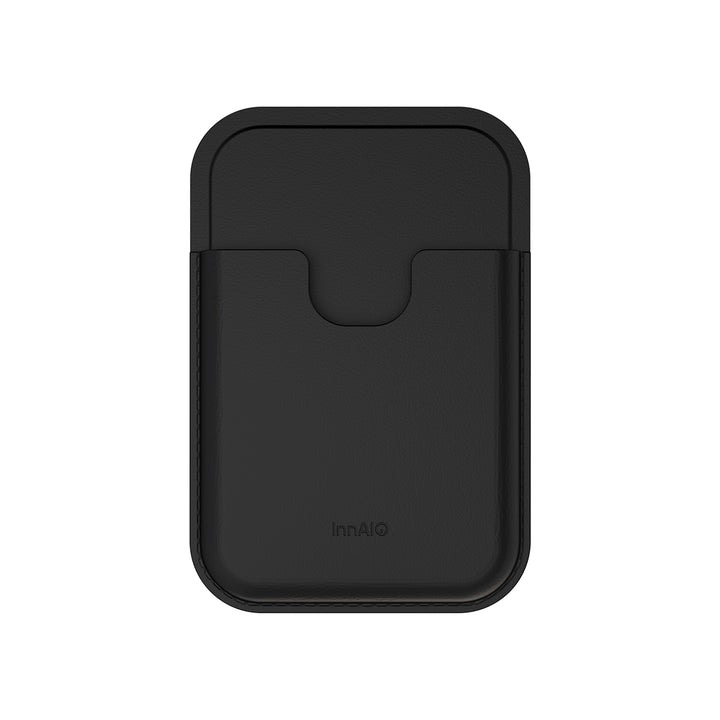
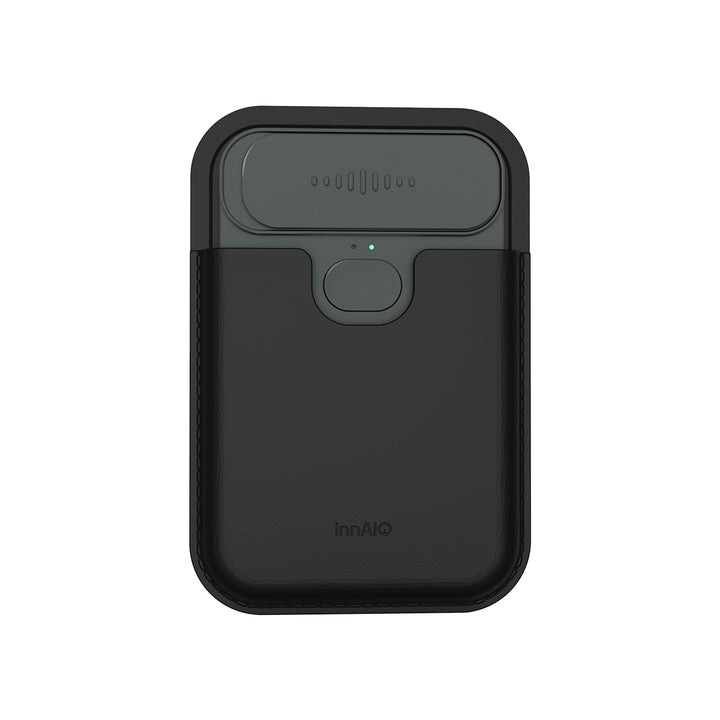
Accuracy is not just a technical metric — it is an editorial one. A transcript that gets ninety percent of words right still forces a reporter to double-check every quote, which is nearly as slow as typing from scratch. A tool that gets ninety-eight percent right, marks uncertain passages, and lets you tap a word to hear the audio saves genuine hours. INNAIO’s TransNote device, for example, is built around this idea: the transcript and the audio stay linked, so a reporter can verify a quote in a second without scrubbing through the entire file.
Building a Workflow That Meets Deadlines
A recorder is only as useful as the routine wrapped around it. Reporters who consistently file on time treat the device as one link in a chain that starts before the interview and ends after publication. The routine begins with a pre-interview check: fresh battery, empty storage, mic tested against ambient noise, and a naming convention ready so files do not pile up as unlabeled timestamps. During the interview, the reporter starts the recorder before the small talk begins, because the first minute often contains context that shapes the whole conversation.
After the interview, a good workflow calls for immediate export. Reporters who wait until the end of the day risk losing files to a lost bag or a phone crash. Send the audio and transcript to the story folder before leaving the location, and add a short voice memo summarizing the news value while it is still fresh. When drafting, keep the transcript open in one window and the story in another, and use search to jump to the quote you remember rather than skimming from the top. This habit alone can cut a two-hour transcription pass down to twenty minutes and gives the writer more energy for the parts of the job only a human can do.
Ethics, Consent, and Secure File Handling
Powerful recording tools raise the stakes on consent and storage. Reporters should announce the recording verbally at the start of every interview, note the response in a separate log, and keep that record with the audio file. For sensitive sources, offer the option of an off-the-record segment and mark the file boundaries clearly so the tape does not accidentally get published later. On the storage side, encrypt files at rest, use strong passwords on any cloud sync, and delete or archive interviews on a schedule that matches your outlet’s document retention policy. Treating recordings as protected editorial material — not personal media — is what separates a professional practice from a lawsuit waiting to happen.
The Reporter’s Edge in a Deadline-Driven Newsroom
Choosing the right recorder is not a gadget decision — it is a workflow decision that reaches into every story a reporter files. The devices worth their space in a reporter’s bag capture cleanly in difficult rooms, transcribe accurately across accents, keep speakers straight without manual editing, and hand off files in the formats a newsroom already uses. Reporters who make this upgrade almost universally report the same thing: they get their afternoons back, their quotes tighten, and their editors trust them to hit tighter deadlines. The technology behind AI recorders will keep improving, but the practical advantage is already here for anyone willing to change habits. Pick a device that suits the beat, build a routine around it, and treat the recorded archive as one of the most valuable assets a working journalist owns. The result is not just faster copy — it is more accurate reporting, fewer disputed quotes, and a stronger relationship with the sources who trust a reporter to get the story right.
