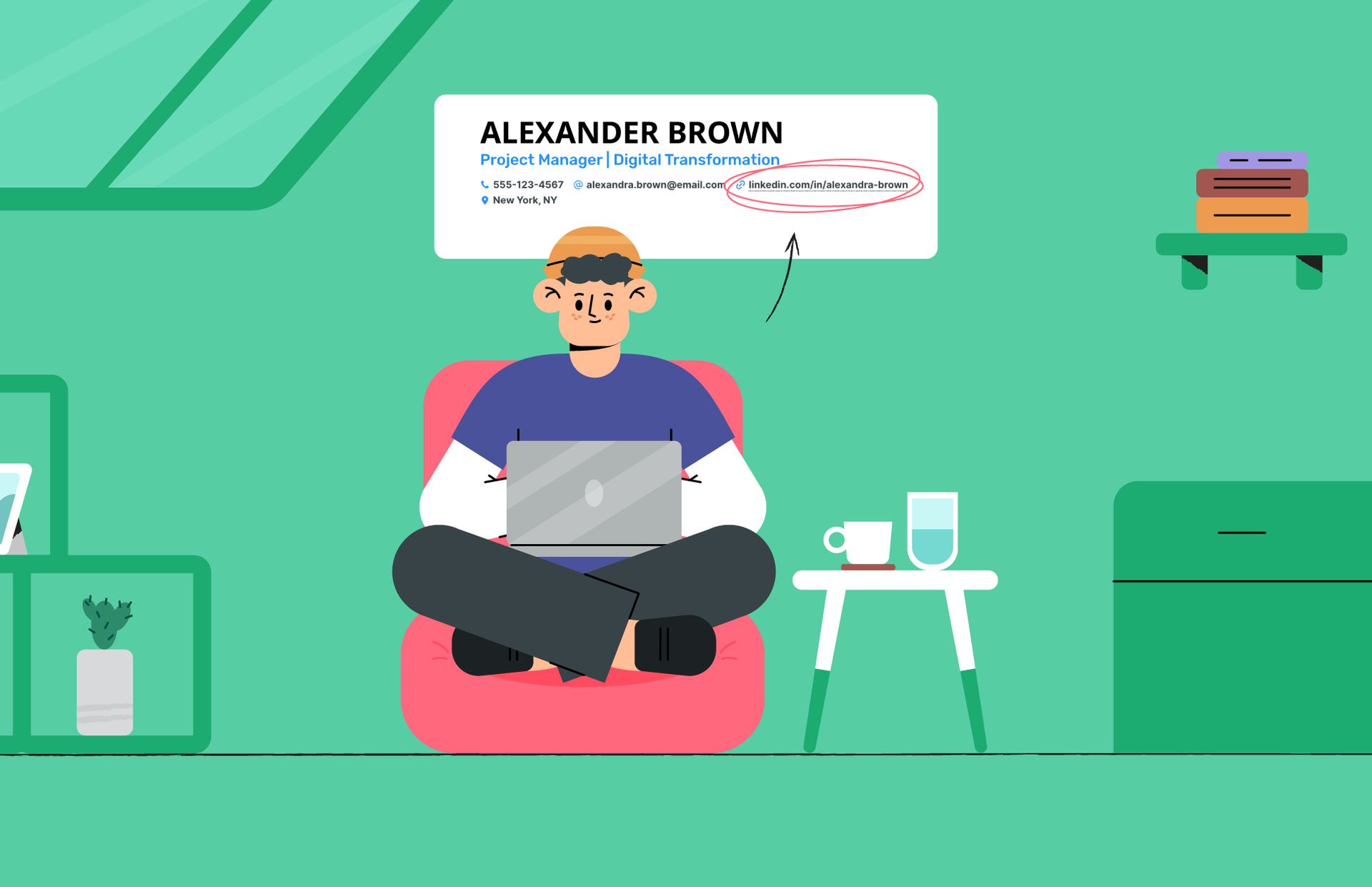
Your resume and LinkedIn profile should work together rather than tell two completely different stories. When your job title, skills, experience, or career focus changes, both should be updated. Using a resume builder can make the process easier, but you also need to make sure your LinkedIn profile reflects those changes.
If you are actively applying for jobs, knowing how to update resume on LinkedIn and keep both profiles aligned can help create a more consistent professional presence.
Start With One Career Story
The first step is deciding how you want to present your professional experience.
Think about the type of job you are targeting and identify the experience and skills that support that goal.
For example, if you are applying for digital marketing roles, your resume and LinkedIn profile should highlight relevant experience such as SEO, content marketing, analytics, paid campaigns, or social media, depending on your actual background.
Your career story should be clear across both platforms.
Use a Resume Builder to Organize Your Experience
A resume builder can help you structure your experience into clear sections and create a professional-looking document.
When creating your resume, focus on information that is relevant to the roles you want.
A typical structure can include:
- Professional summary
- Work experience
- Skills
- Education
- Certifications
- Projects
- Achievements
Avoid adding information simply to make the resume longer. Recruiters generally need to understand your experience quickly.
Keep Job Titles Consistent
One common mistake is having different job titles on your resume and LinkedIn profile.
If your official job title is complicated or doesn’t clearly explain your role, you can clarify it in your resume where appropriate, but avoid creating misleading information.
Consistency helps recruiters understand your career progression.
Match Your Key Skills
Your resume and LinkedIn profile should highlight similar core skills.
For example, if your resume focuses on:
- Technical SEO
- Keyword research
- Content strategy
- Link building
- Analytics
your LinkedIn profile should also reflect those areas if they represent your genuine expertise.
This does not mean copying your resume word-for-word. Instead, make sure the important skills and areas of expertise are represented on both platforms.
Update Your LinkedIn About Section
Your LinkedIn About section gives you more space to explain your professional background than a traditional resume.
Use it to expand on your experience, areas of expertise, achievements, and career interests.
If your career direction has changed, this is one of the first sections you should review.
This is also an important part of understanding how to update resume on LinkedIn because your LinkedIn profile should not remain focused on an old career goal after your resume has changed.
Keep Dates and Experience Accurate
Check employment dates and positions across your resume and LinkedIn profile.
If you recently changed jobs, make sure your current role is updated on LinkedIn and included correctly on your resume.
Also add significant responsibilities or achievements from your current position rather than waiting until you start looking for another job.
Don’t Copy Your Resume Word for Word
Your resume and LinkedIn profile have different purposes.
A resume should usually be concise and targeted toward a particular job. LinkedIn can provide a broader picture of your professional background.
For example, you might tailor your resume for an SEO Manager position while your LinkedIn profile describes your wider digital marketing experience.
The key is consistency, not duplication.
Update Your Resume Before Applying
Before sending a resume to an employer, review it against the job description.
Use your resume builder to adjust the summary, skills, and relevant experience where appropriate. Then check LinkedIn to make sure there are no major inconsistencies.
This small step can help keep your application materials organized.
Create a Regular Update Routine
You don’t have to completely rewrite your resume every month. Instead, make small updates whenever something important happens.
Add:
- New responsibilities
- Successful projects
- Certifications
- New skills
- Awards
- Measurable achievements
Then update the relevant sections on LinkedIn.
This makes future job searches much easier because you are not trying to remember several years of achievements at once.
Final Thoughts
A resume builder can help you create and organize a professional resume, but keeping your resume and LinkedIn profile aligned requires regular updates.
If you are wondering how to update resume on LinkedIn, start by reviewing your career goal, experience, skills, job titles, and achievements. Make sure both platforms communicate the same professional direction while using each platform for its own purpose.
A consistent and up-to-date professional presence makes it easier for employers and recruiters to understand what you do and what type of opportunity you are looking for.
